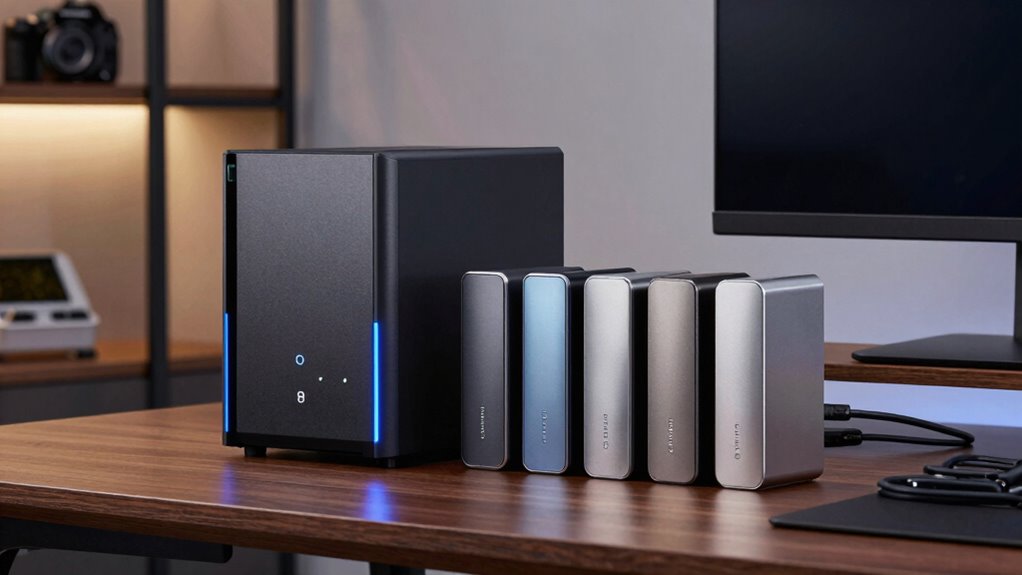

If you’re choosing between a NAS and external drives for home backups, consider how much control, security, and convenience you need. A NAS offers centralized storage, automatic backups, and encryption, making it ideal for multiple devices and scalable needs. External drives are simpler, portable, and cost-effective for quick, manual backups but lack advanced features. To find out which option fits your setup best and why both have their place, keep exploring your options.

Prime made for students and young adults
- Fast, free delivery for dorm and study essentials
- Prime Video and Amazon Music included
- Member-only deals
Key Takeaways
- NAS offers centralized, multi-device access and automatic backups, while external drives are portable and suited for manual, quick backups.
- NAS supports cloud integration, enhancing data redundancy, unlike external drives which lack built-in cloud support.
- External drives are simpler and cheaper but less secure, whereas NAS provides encryption and better data protection.
- NAS requires ongoing maintenance and is more complex; external drives are straightforward but less scalable.
- Choose NAS for scalable, secure backup solutions; opt for external drives for quick, on-the-go backups.
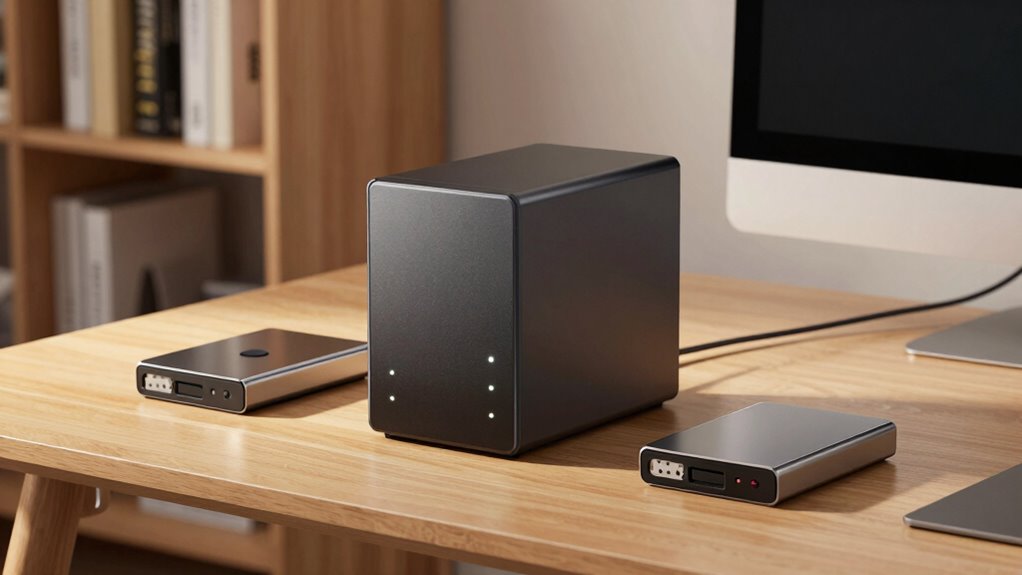
When it comes to safeguarding your home’s digital data, choosing the right backup solution is essential. Two popular options are Network-Attached Storage (NAS) devices and external drives. Each offers unique advantages, but your choice depends on your needs, budget, and technical comfort level. If you’re considering NAS, you’ll find it provides a centralized way to store and access data across multiple devices, making it ideal for families or households with several computers and smartphones. External drives, on the other hand, are simpler, more affordable, and portable. They work well if you need quick backups and don’t want to manage a network.
One of the main benefits of NAS is its ability to integrate with cloud storage options, giving you extra layers of protection. You can set up your NAS to automatically back up data to cloud services, ensuring your files are safe even if your local hardware fails. This hybrid approach not only enhances redundancy but also makes data recovery more flexible. When it comes to security, NAS devices usually support data encryption, protecting your files from unauthorized access. You can encrypt data stored on the device itself or during transmission, so even if someone intercepts the data, they won’t be able to read it. This level of data encryption is crucial if you’re backing up sensitive information like financial records or personal documents. Additionally, regular maintenance of your NAS helps ensure ongoing security and performance. Implementing security best practices can further safeguard your backups from potential threats.
NAS integrates with cloud storage, offering automatic backups, enhanced redundancy, and robust data encryption for secure, flexible data recovery.
External drives are straightforward but lack some of the advanced features of NAS. They work well for quick, manual backups and are highly portable—perfect if you want to carry your backups between locations or connect directly to a single device. However, they usually don’t have built-in encryption, so you’ll need to rely on third-party software if you want to secure your data. This extra step can be an inconvenience, especially if you’re not tech-savvy. Also, external drives are vulnerable if lost, stolen, or damaged—so they’re best used as supplementary backups rather than primary solutions. Understanding the types of storage devices available can help you make an informed decision based on your specific needs.
Additionally, considering the security features of each device is essential to ensure your data remains protected from potential threats. Using encryption effectively can prevent unauthorized access even if your device is compromised. Ultimately, the decision boils down to how much control and flexibility you want. NAS offers a more comprehensive, scalable, and secure backup environment, especially when paired with cloud storage options and data encryption. External drives serve well for quick, on-demand backups and are easier to set up, but they lack the sophisticated features of NAS. Whichever you choose, ensure you’re regularly backing up your data to prevent loss and consider encrypting sensitive files to keep your information safe.
Products Worth Considering

Ring Alarm 14-Piece Kit

Bose SoundLink Flex Bluetooth Speaker (2nd Gen), Waterproof, Dustproof, USB‑C, Up to 12 hr Battery, Black

Shark HydroVac MessMaster Cordless Wet Dry Vacuum and Mop Combo, AW261
As an affiliate, we earn on qualifying purchases.
Frequently Asked Questions
Can External Drives Be Used for Automatic Backups?
Yes, external drives can be used for automated backups if they’re compatible with your backup software. You just need to connect the drive to your computer, set up your backup schedule, and guarantee the software supports automated backups. Check the drive compatibility beforehand, especially if you’re using specific backup tools. Once set up, your external drive will automatically back up your files, making data protection seamless and hands-free.
How Secure Are NAS Devices Against Cyber Threats?
NAS devices can be quite secure against cyber threats if you prioritize network security and data encryption. You should regularly update firmware, use strong passwords, and enable encryption features to protect your data. Setting up a separate network or VLAN adds an extra layer of security. With proper security measures, your NAS remains a safe option for storing backups, minimizing risks from cyber attacks.
Do NAS Devices Support Cloud Integration?
Yes, NAS devices support cloud integration, allowing you to enable cloud synchronization and remote access. You can connect your NAS to popular cloud services, making it easy to back up files or access data from anywhere. This feature enhances convenience and flexibility, ensuring your data is always accessible and protected. With remote access, you can securely retrieve files without being physically at home, making NAS devices a versatile solution for managing backups efficiently.
What’s the Typical Lifespan of External Drives?
External drives typically last about 3 to 5 years, like a fleeting comet streaking across the sky. Their lifespan depends on drive durability and usage habits. Factors such as how often you connect it, environmental conditions, and drive quality influence its longevity. Proper handling, avoiding overheating, and regular backups can extend its life, but ultimately, wear and tear will take their toll. Think of it as a trusty sidekick with a limited adventure span.
Is Technical Knowledge Required to Set up a NAS?
You don’t need extensive technical knowledge to set up a NAS, but understanding network configurations helps. Most NAS devices offer user-friendly interfaces, guiding you through setup steps. With a NAS, you benefit from data redundancy, protecting your files if one drive fails. While some network familiarity makes the process smoother, many manufacturers provide clear instructions, making it accessible for beginners.
Conclusion
Choosing between a NAS and external drives is like picking between a bustling city and a quiet neighborhood—you’ll want what fits your lifestyle best. If you seek centralized, scalable storage with easy access, a NAS is your sturdy bridge to peace of mind. For simple, budget-friendly backups, external drives are like reliable friends nearby. Whichever you choose, remember that your data’s safety is the anchor that keeps your digital life afloat.


![New AI Tutor Achieves 0.71-1.30 SD Effect Size In Dartmouth Course [Pdf]](https://slanghub.me/wp-content/uploads/2026/07/new-ai-tutor-achieves-0-71-1-30-sd-effect-size-in-dartmouth-course-pdf-featured-560x300.jpg)