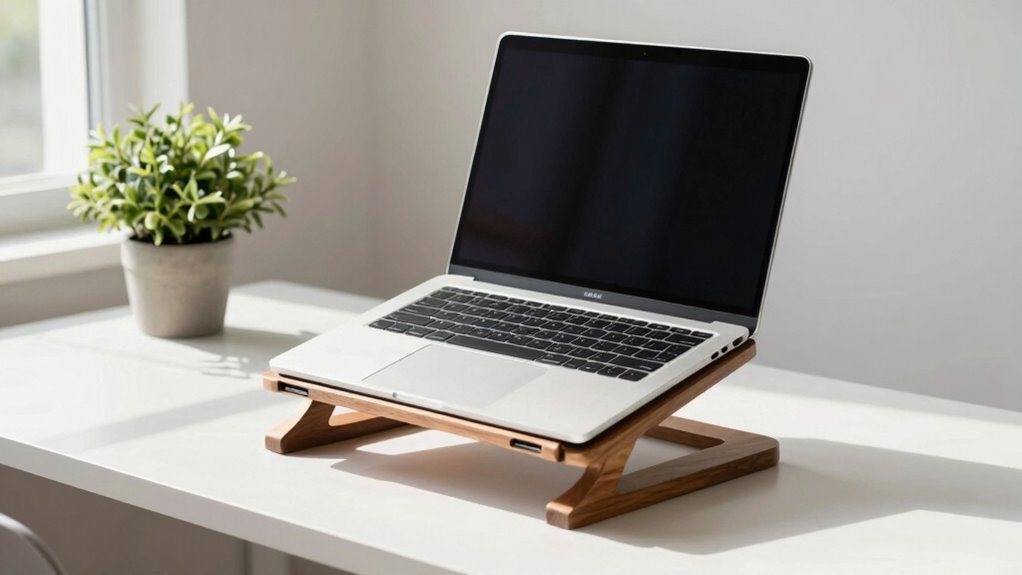

To improve your neck posture, set your laptop stand so the screen is at eye level to avoid tilting or craning your neck. Use an adjustable stand to easily customize the height based on your sitting position and desk setup. Make sure your keyboard and mouse are positioned so your elbows stay close to your body at a roughly 90-degree angle. For more tips on creating an ergonomic workspace, keep exploring ways to enhance your comfort and health.
Key Takeaways
- Adjust your laptop stand so the top of the screen is at eye level to prevent neck tilting.
- Use an external keyboard and mouse to keep elbows close to 90 degrees and maintain neutral wrist positions.
- Customize the stand height based on your sitting posture and desk setup for optimal comfort.
- Ensure the screen is directly in front of you to avoid craning or twisting your neck.
- Regularly check and adjust the stand to maintain proper alignment during prolonged use.
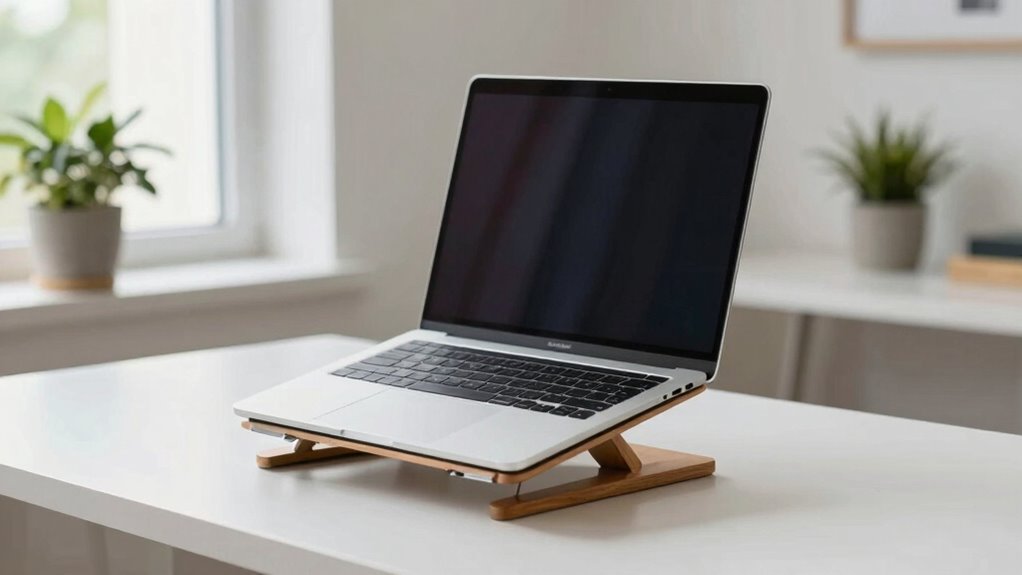
Using a laptop at the wrong height can lead to neck strain and discomfort, but adjusting your laptop stand can make a significant difference. When you position your device properly, you’re actively supporting your posture correction efforts and reducing the risk of long-term musculoskeletal issues. Ergonomic accessories like adjustable laptop stands are designed to help you find that perfect height, assuring your screen is at eye level. This way, you avoid tilting your head down or craning your neck forward, which are common causes of tension and pain.
The key to optimizing your laptop stand height is to align your screen with your natural line of sight. When you sit comfortably, your eyes should be looking straight ahead, and your neck should remain in a neutral position. If you notice yourself leaning forward or looking down, it’s a clear indication that your laptop isn’t positioned correctly. By raising your laptop to the right height, you promote better posture correction and minimize unnecessary strain on your neck and shoulders. Many ergonomic accessories are adjustable, allowing you to customize the height according to your sitting posture, desk height, and chair setup. Incorporating ergonomic principles into your workstation setup can further enhance your comfort and reduce the risk of musculoskeletal issues.
It’s also important to think about your overall workstation setup. Your keyboard and mouse should be positioned so your elbows stay close to your body and form roughly a 90-degree angle. When your laptop is elevated, you might need an external keyboard and mouse to maintain this ergonomic posture. This setup prevents you from hunching forward or reaching awkwardly, which can contribute to discomfort over time. Remember, the goal is to create a workspace that encourages natural, comfortable positions, and a well-chosen laptop stand is a vital component of that. Proper workstation ergonomics can significantly improve your overall comfort and reduce the risk of developing musculoskeletal issues over time. Additionally, paying attention to proper height adjustment can help you achieve the optimal alignment for your neck and head, further reducing strain and improving overall health. Moreover, understanding the environmental impact of tissue paper can inspire eco-friendly choices in your workspace accessories and reduce waste.
adjustable ergonomic laptop stand
As an affiliate, we earn on qualifying purchases.
As an affiliate, we earn on qualifying purchases.
Frequently Asked Questions
Can the Ideal Laptop Stand Height Vary by Age?
Yes, the ideal laptop stand height can vary by age because ergonomic accessories like adjustable stands help accommodate different body sizes and postures. Younger users might prefer lower heights for comfort, while older individuals may need higher adjustments to prevent neck strain. By customizing your stand, you guarantee proper alignment, reduce discomfort, and support better neck posture regardless of your age. Always choose adjustable stands for personalized ergonomic comfort.
Is There a Recommended Maximum Height for Laptop Stands?
There isn’t a strict maximum height for laptop stands, but adjustable features help you find the right level for your comfort. Aim to position your screen so your eyes are level, preventing neck strain. When choosing a stand, prioritize material durability to guarantee stability and safety at higher heights. Keep in mind that overly high stands might be unstable, so balance adjustability with sturdy construction to maintain proper posture and avoid accidents.
How Do I Measure the Correct Height for My Laptop Stand?
To measure the correct height for your laptop stand, start by adjusting it so your eyes are level with the top of your screen. Use an adjustable height stand with an ergonomic design, allowing you to customize it comfortably. Sit in your usual working posture, and make certain your neck stays straight without tilting up or down. This setup helps prevent strain and promotes better neck posture during long work sessions.
Does Using a Stand Improve Overall Back Posture?
Yes, using a stand can improve your overall back posture. By elevating your laptop, ergonomic accessories like stands help reduce strain on your neck and shoulders. This promotes better posture correction, preventing slouching and discomfort during long hours of work. When you use a proper stand, you maintain a healthier, more aligned back, which minimizes pain and boosts your productivity. It’s a simple step toward a more ergonomic workspace.
Are There Specific Materials That Promote Better Ergonomics?
Imagine you’re working long hours and notice less neck strain. Ergonomic materials like bamboo or lightweight aluminum not only promote better airflow but also guarantee durability. Adjustable designs made from these materials allow you to customize height and angle, further improving your posture. By choosing stands with ergonomic materials, you create a more comfortable workspace that supports your neck and back, reducing discomfort and boosting productivity.
external keyboard and mouse for ergonomic setup
As an affiliate, we earn on qualifying purchases.
As an affiliate, we earn on qualifying purchases.
Conclusion
By adjusting your laptop stand height, you might just find that better neck posture happens almost effortlessly. Sometimes, a simple tweak aligns everything perfectly—like the universe conspired to ease your discomfort. When your screen is at eye level, you’ll notice less strain and more comfort throughout your day. So, don’t overlook these small adjustments; they could be the subtle shift that transforms your work experience, reminding you that good posture often starts with just the right height.
height adjustable laptop riser
As an affiliate, we earn on qualifying purchases.
As an affiliate, we earn on qualifying purchases.
ergonomic workspace accessories
As an affiliate, we earn on qualifying purchases.
As an affiliate, we earn on qualifying purchases.