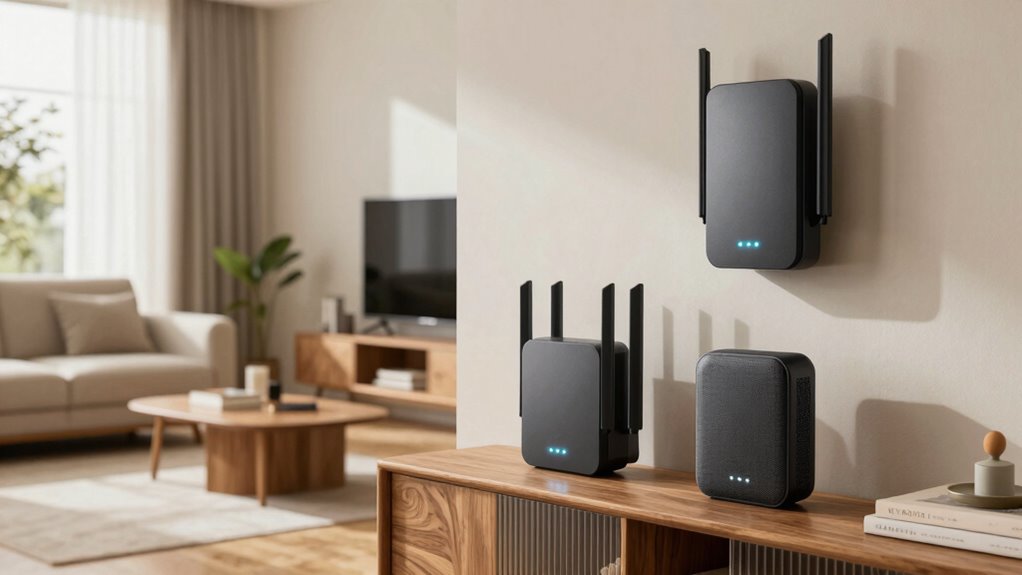

To improve your mesh Wi-Fi coverage, place your main router near the center of your home, close to your smart devices, and away from thick walls or metal objects. Position satellite nodes halfway between the router and coverage gaps, elevating them on shelves for better signal spread. Keep nodes away from interference sources like microwaves or cordless phones. Regularly check your network and adjust placements as needed to make certain of smooth performance—discover more tips to optimize your setup.
Key Takeaways
- Place the main router centrally in your home, near smart devices, for optimal coverage and reduced lag.
- Position satellite nodes midway between the router and coverage gaps, elevating them on shelves.
- Avoid placing nodes behind thick walls, large metal objects, or interference sources like microwaves.
- Use open, unobstructed spaces on a central level for nodes to maximize signal distribution.
- Regularly monitor network performance and adjust node positions to eliminate weak spots and improve coverage.
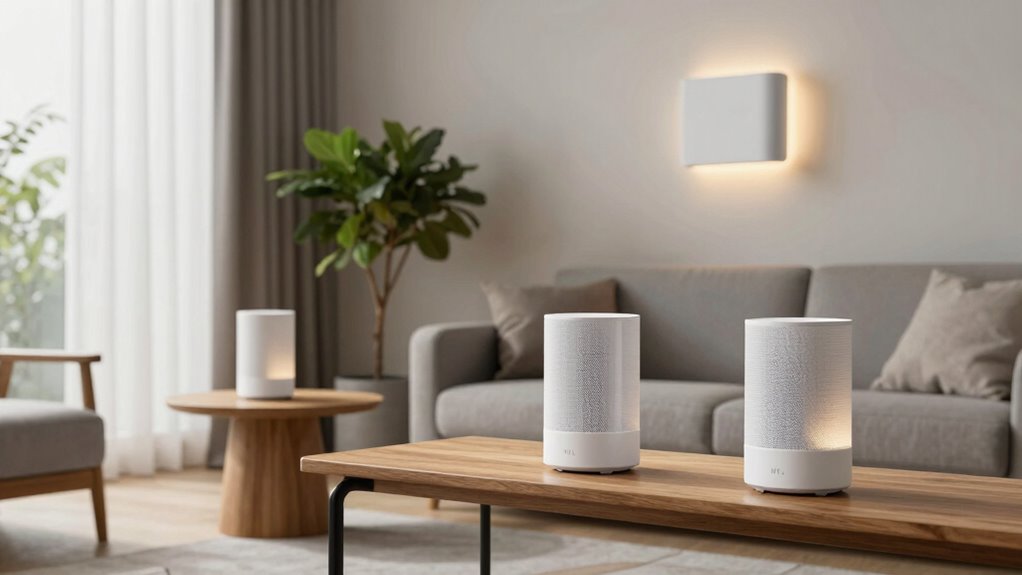
A well-placed mesh Wi-Fi system can markedly improve your home’s internet coverage, but proper placement is key to maximizing its performance. When setting up your system, think about how your household uses the internet, especially with smart home integration in mind. These devices, like smart lights, thermostats, and security cameras, need a strong, reliable connection. To guarantee smooth operation, position your main router near where most smart devices are located or where you spend the most time, typically the living room or central hub of your home. This helps your smart home ecosystem function seamlessly, with fewer dropped signals or lag.
Next, contemplate the placement of your satellite nodes or mesh points. They should be positioned roughly midway between the main router and the areas where you need coverage. Avoid placing them behind thick walls, large metal objects, or appliances that can interfere with Wi-Fi signals. Elevate the mesh points on shelves or high furniture to improve signal distribution. If you notice dead zones or weak spots, move the nodes closer to those areas and test the coverage again, rather than sticking with initial placements. Proper mesh Wi-Fi placement is essential for optimal coverage and performance. Additionally, considering the physical environment can greatly impact signal strength and stability.
Pay attention to your home’s interference sources, which can unintentionally weaken your Wi-Fi signals, so keep those factors in mind during placement. Parental controls are another important aspect to think about when placing your mesh nodes. If you want to restrict internet access for certain devices or during specific times, position the nodes so that these controls can be easily managed. Many mesh systems allow you to set schedules or filter content, but the effectiveness depends on where you place the devices in relation to your network’s control hub. By strategically positioning the main node, you make it easier to implement and monitor restrictions, ensuring your kids stay safe online without sacrificing overall coverage.
You should also think about the physical environment. Avoid placing your mesh nodes near microwaves, cordless phones, or Bluetooth devices, which can cause interference. Keep the nodes out of closets, cabinets, or behind furniture where signals could be obstructed. Instead, aim for open spaces with minimal obstructions, ideally on a central level of your home. This placement helps maximize the range and speeds of your Wi-Fi network, ensuring that every corner gets a solid connection. Additionally, understanding affiliate disclosures can help you make informed decisions about the products you choose for your smart home setup.
Finally, don’t forget to regularly check your network’s performance after initial setup. Use your smartphone or a Wi-Fi analyzer app to identify weak spots, then adjust the positions of your mesh nodes accordingly. Proper placement not only boosts coverage but also enhances your experience with smart home integration and parental controls, making your connected home safer, smarter, and more reliable.

TP-Link Deco X55 AX3000 WiFi 6 Mesh System – Covers up to 6500 Sq.Ft, Replaces Wireless Router and Extender, 3 Gigabit Ports per Unit, Supports Ethernet Backhaul, Deco X55(3-Pack)
Wi-Fi 6 Mesh Wi-Fi – Next-gen Wi-Fi 6 AX3000 whole home mesh system to eliminate weak Wi-Fi for…
As an affiliate, we earn on qualifying purchases.
As an affiliate, we earn on qualifying purchases.
Frequently Asked Questions
How Often Should I Update My Mesh Wi-Fi Firmware?
You should update your mesh Wi-Fi firmware regularly, ideally once a month, to guarantee peak performance. Firmware updates often include security patches that protect your network from vulnerabilities. Check your router’s settings or app frequently for new updates, and install them promptly. Keeping your firmware current helps maintain stability, improves coverage, and secures your network against potential threats, giving you peace of mind and reliable Wi-Fi at all times.
Can Metallic Objects Interfere With Mesh Wi-Fi Signals?
Ironically, metallic objects aren’t your friend when it comes to mesh Wi-Fi signals. Metallic interference causes significant signal attenuation, making your Wi-Fi weaker or spotty. Metals like mirrors, filing cabinets, or even metal furniture can block or reflect signals, diminishing coverage. To boost your Wi-Fi, keep mesh nodes away from metallic objects, and you’ll enjoy better coverage without the pesky interruptions metallic interference tends to cause.
Is It Necessary to Match Mesh Router Brands for Best Performance?
You don’t need to match mesh router brands for the best performance. Brand compatibility isn’t always essential, but sticking to the same brand can guarantee better signal consistency and seamless integration. When devices are compatible, they communicate more effectively, reducing issues like dropped signals or slow speeds. However, many brands now support cross-compatibility, so you can mix and match for coverage without sacrificing performance, as long as they adhere to common standards.
How Does the Number of Devices Affect Mesh Wi-Fi Placement?
The number of devices substantially impacts mesh Wi-Fi placement because higher device density can lead to signal congestion. To optimize coverage, place your mesh nodes where they can handle multiple devices without interference, preferably in central locations. Avoid placing nodes near thick walls or electronic appliances that can cause signal disruption. Proper placement guarantees each device maintains a strong, reliable connection, reducing congestion and improving overall network performance.
What’s the Best Way to Test Wi-Fi Coverage After Setup?
Imagine installing a mesh Wi-Fi system in your home, then walking around with a smartphone. To test coverage, check the signal strength in various rooms using your device’s Wi-Fi analyzer app. Look for spots with weak signals or interference sources like thick walls or appliances. By doing this, you identify dead zones and guarantee ideal placement, giving you reliable coverage and minimizing interference for a smoother online experience.

NETGEAR Orbi 370 Series Dual-Band WiFi 7 Mesh Network System for Home (RBE373) – Wireless Router + 2 Extenders, Security Features, 5 Gbps, Covers 6,000 sq.ft., 70 Devices, 2.5GB Internet Port, BE5000
Orbi 370 Series with WiFi 7 delivers speeds up to 5 Gbps for consistent performance across many devices…
As an affiliate, we earn on qualifying purchases.
As an affiliate, we earn on qualifying purchases.
Conclusion
To get the best coverage from your mesh Wi-Fi, don’t just toss nodes randomly around your home. Thoughtful placement is key—place nodes centrally, away from obstructions, and avoid interference from electronics. Some might think it’s too much hassle, but the improved speed and reliable connection are worth the effort. With a little strategic planning, you’ll enjoy seamless Wi-Fi everywhere, making all your devices happy and connected without the frustration of dead zones.

TP-Link AC1200 WiFi Extender, 2023 Engadget Best Budget Pick, 1.2Gbps Signal Booster for Home, Dual Band 5GHz/2.4GHz, Covers Up to 1500 Sq.ft and 30 Devices,Support Onemesh, One Ethernet Port (RE315)
𝐒𝐭𝐫𝐨𝐧𝐠𝐞𝐫 𝐖𝐢-𝐅𝐢 𝐢𝐧 𝐄𝐯𝐞𝐫𝐲 𝐂𝐨𝐫𝐧𝐞𝐫 – Enjoy extended coverage with strong performance powered by Adaptive Path Selection and…
As an affiliate, we earn on qualifying purchases.
As an affiliate, we earn on qualifying purchases.

TP-Link Deco WiFi 6 Mesh System (Deco X20) – Covers up to 5800 Sq.Ft, Replaces Wireless Routers and Extenders, 3-Pack, 6 Ethernet Ports in Total, Supports Wired Backhaul, Dual-Band WiFi
Wi-Fi 6 Mesh Wi-Fi – Next-gen Wi-Fi 6 AX1800 whole home mesh system to eliminate weak Wi-Fi for…
As an affiliate, we earn on qualifying purchases.
As an affiliate, we earn on qualifying purchases.