
You might still worry about burn-in on OLED screens, but most fears are outdated thanks to recent tech improvements. While static images and high brightness can cause pixel wear, modern OLEDs use features like pixel shifting, auto-dimming, and wear leveling to reduce risks. Proper use, like avoiding static content and managing brightness, can extend your display’s lifespan. Curious about how to keep your OLEDs vibrant? Keep exploring to discover helpful tips and strategies.
Key Takeaways
- Image retention on OLED screens is temporary but static images can cause permanent burn-in if left long-term.
- Modern OLED displays use pixel shifting and firmware updates to reduce uneven wear and extend lifespan.
- Adjusting brightness and avoiding static bright images help prevent organic material degradation.
- Proper usage and preventive features significantly mitigate the risk of permanent burn-in.
- Understanding the difference between temporary retention and burn-in helps manage expectations and device care.
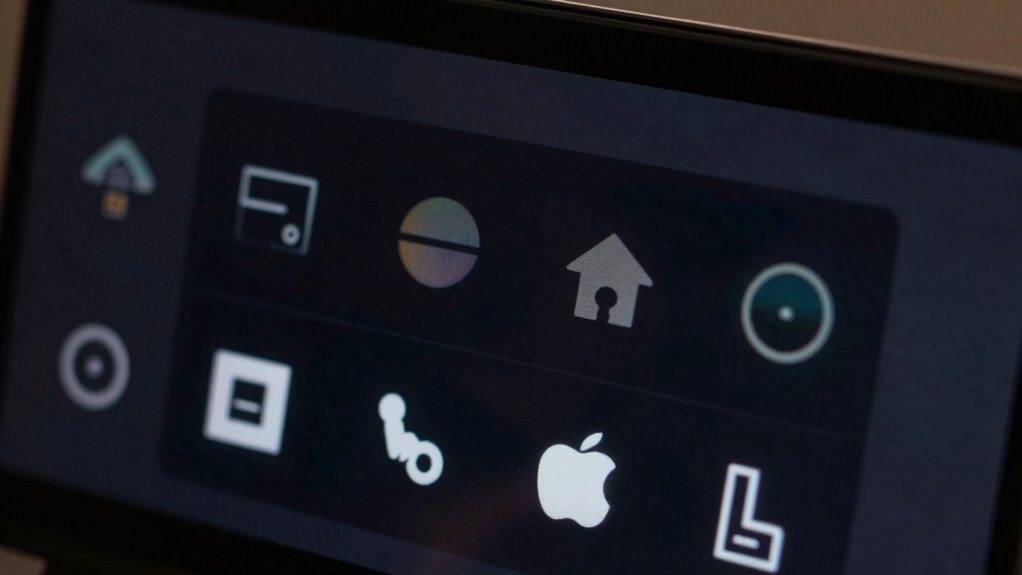
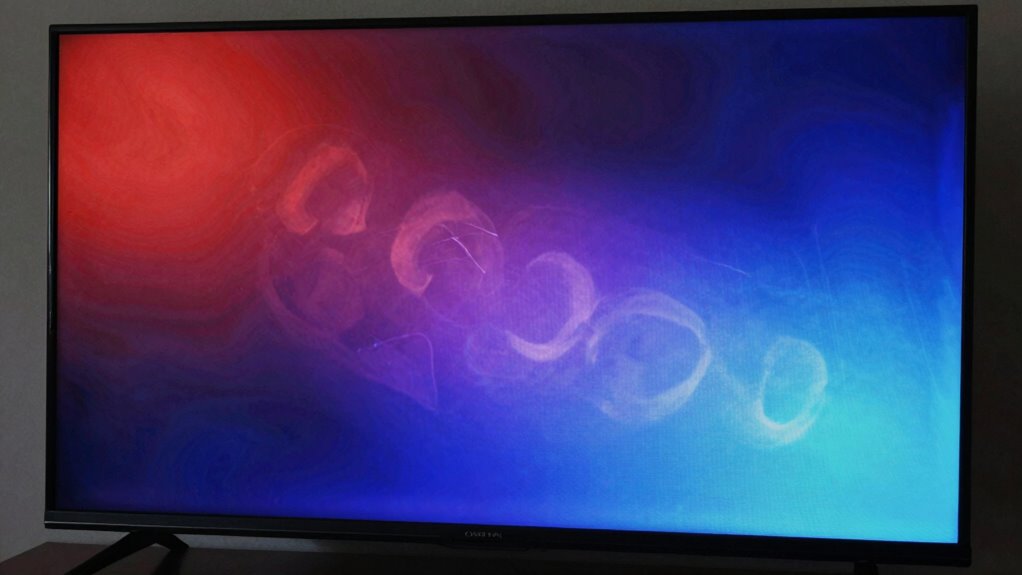
Have you ever noticed faint ghost images lingering on your OLED screen after viewing certain content? That’s a sign of image retention, a phenomenon that’s often confused with permanent burn-in. While they might look similar, image retention is usually temporary, caused by the way OLED pixels hold onto certain images. It happens when you leave a static image onscreen for too long, causing those pixels to temporarily “remember” the content even after you switch to something new. The good news is that, in most cases, this fading happens naturally over time, and your screen’s longevity isn’t necessarily at risk. However, repeated exposure to static images can accelerate pixel wear, which, if left unchecked, may lead to permanent burn-in. Proper screen management can help prevent this issue from occurring prematurely and extend the overall health of your display. Additionally, avoiding prolonged display of bright static images can significantly reduce the risk of uneven organic material degradation.
Temporary ghost images on OLED screens fade over time but repeated static images can cause permanent burn-in.
This is where concerns about screen longevity come into play. OLED panels are made of organic materials that emit light when energized, and over time, these materials degrade. The more static images you display—like a logo, UI elements, or gaming HUD—the higher the risk of uneven pixel wear. That uneven wear is what causes burn-in, a more serious and permanent form of image retention. Many believe that OLED screens are destined for quick damage, but the reality is more nuanced. With proper usage and some preventative measures, you can extend your screen’s lifespan considerably. Adjusting brightness levels, avoiding static images for extended periods, and using screen savers are simple ways to protect your investment. Additionally, some devices include automatic pixel-shifting technology to help distribute wear more evenly, which further enhances longevity.
Manufacturers have also introduced various technologies to combat this issue. Screen refresh algorithms, pixel shifting, and auto-dimming features help distribute wear more evenly across the panel. These innovations have made modern OLED screens much more resilient than earlier models. Still, it’s wise to be cautious—especially if you use your device heavily or display static images regularly. Remember, image retention isn’t always permanent, but neglecting it can cause lasting damage. Understanding content degradation and how it affects organic materials can further help you take steps to preserve your display. Being aware of how your usage habits influence the organic materials within the panel can help you make informed decisions for optimal device care. Regularly updating your device’s firmware can also include improvements to wear leveling techniques, enhancing overall durability.
In the end, understanding the distinction between temporary image retention and permanent burn-in helps you manage your expectations. While OLED screens offer stunning visuals and excellent contrast, their longevity depends on how you treat them. By being mindful about static images and leveraging built-in protective features, you can enjoy the benefits of OLED technology without having to worry excessively about burn-in concerns. It’s not just about avoiding damage but also about maximizing your device’s lifespan so that your vibrant display remains crisp and beautiful for years to come.

MTDELE 3Pcs OLED Display 0.91 Inch IIC DC 3.3V-5V 4Pin White OLED Screen Module Compatible with for Arduino Raspberry PI
SSD 1306 I2C OLED Display:Compatible with for Arduino Raspberry PI
As an affiliate, we earn on qualifying purchases.
As an affiliate, we earn on qualifying purchases.
Frequently Asked Questions
Can OLED Burn-In Be Completely Prevented?
OLED burn-in can’t be completely prevented, but you can greatly reduce the risk by managing screen longevity and avoiding static images. Regularly changing content, enabling screen savers, and lowering brightness help prevent image retention. While modern OLEDs have improved, being mindful of these practices ensures your display stays vibrant longer. Ultimately, proactive care minimizes burn-in, but some inherent risk remains, especially over extended use with static visuals.
How Long Does OLED Burn-In Typically Take to Develop?
OLED burn-in can develop within a few hours to several years, depending on usage. You might notice image retention after extended static content display, which can become permanent over time. To maximize screen longevity, avoid leaving static images on the screen for long periods. Regularly changing content and using screen savers help prevent burn-in. With proper care, your OLED display can perform well for many years without significant image retention issues.
Are Certain Apps More Likely to Cause Burn-In?
Certain apps are more likely to cause burn-in because of their app design, especially those with static images or constant UI elements. Apps that display persistent icons, navigation bars, or fixed logos can lead to image retention over time. If you use these apps frequently, you might notice burn-in sooner. To minimize this, avoid leaving static images on the screen for long periods and enable screen savers or auto-lock features.
Does Screen Brightness Affect Burn-In Risk?
You might notice that higher screen brightness can gently accelerate wear, subtly affecting screen longevity over time. While it’s not an outright risk, adjusting your brightness calibration helps preserve your display’s robustness. By keeping brightness at a comfortable level, you minimize strain and reduce the chance of uneven aging. So, yes—moderate brightness settings are a wise choice to maintain your OLED’s vibrant quality longer, ensuring your device stays sharp and lively.
Can New OLED Technologies Eliminate Burn-In Worries?
New OLED technologies greatly reduce burn-in worries, but they don’t eliminate them entirely. These advancements improve color accuracy and extend panel longevity, making screens more durable over time. However, if you frequently display static images or high-contrast visuals, some risk remains. To protect your investment, use features like pixel shifting and screen savers, and avoid prolonged static content. These measures help guarantee your OLED screen stays vibrant and functional longer.

New OLED LCD Screen Compatible with Google Pixel 3A XL G020B 6.0" inch LCD Touch Screen Display Assembly + Tools(Black)
This screen is designed for Google Pixel 3A XL,Not fit for Pixel 3A please carefully check your phone…
As an affiliate, we earn on qualifying purchases.
As an affiliate, we earn on qualifying purchases.
Conclusion
While OLED burn-in remains a concern, advancements have considerably reduced its risk, making it less intimidating than before. You can enjoy vibrant displays without constant worry, but remember, “A stitch in time saves nine.” Practicing simple habits like varying content and enabling screen savers helps prolong your screen’s life. Ultimately, staying informed and cautious allows you to enjoy the stunning visuals OLED offers without losing sleep over potential burn-in issues.
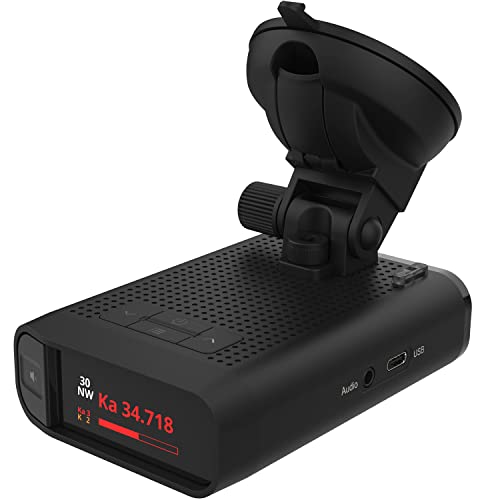
Radenso DS1 Extreme Range Radar Detector – Magnet Mount, Bluetooth, Color OLED Display, Less False Alerts, Auto GPS Lockouts, USA Technical Support
As an affiliate, we earn on qualifying purchases.
As an affiliate, we earn on qualifying purchases.

5 Pcs 0.96 Inch OLED I2C IIC Display Module 12864 128×64 Pixel SSD1306 Mini Self-Luminous OLED Screen Board Compatible with Arduino Raspberry Pi, with 10pin Male to Female Cable
0.96-inch OLED I2C/IIC Display with 128×64 Resolution: Features a 128×64 resolution, >160° viewing angle, and low power consumption…
As an affiliate, we earn on qualifying purchases.
As an affiliate, we earn on qualifying purchases.